



Webex Integration
This add on enables you to show meetings and webinars information to your users. You can provide an embed code for your event, plus a username and password to the user. It is also possible to decide whether the information are shown only after purchase or everyone can see them. This information can be sent via email after the reservation. Finally, you can have a badge in the shortcode or the event page to distinguish these events.
Is Webex Integration right for you?
Webex Integration connects Modern Events Calendar to a Webex account and shows join links, passwords, and embed codes on event pages. It suits organizers who run online events on Webex.
Requirements
- MEC Lite or Pro
- The Webex Integration add-on, installed and activated
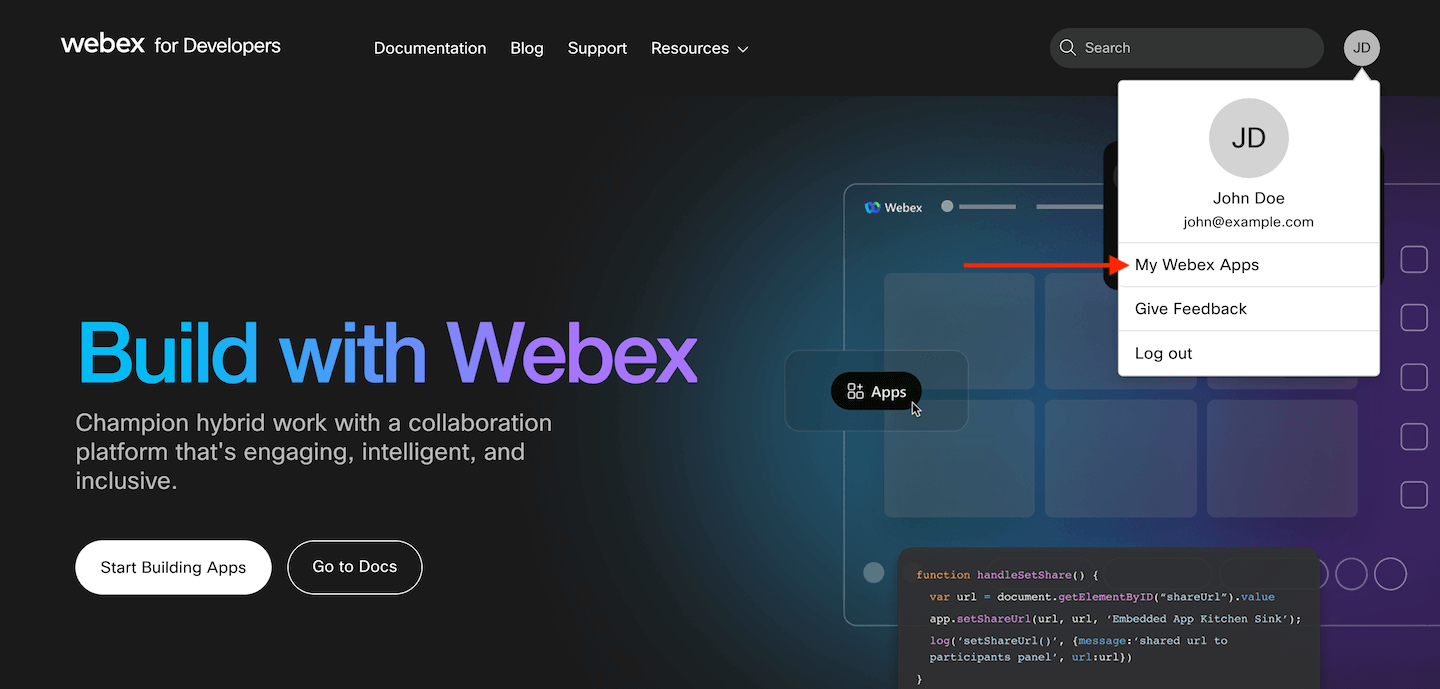
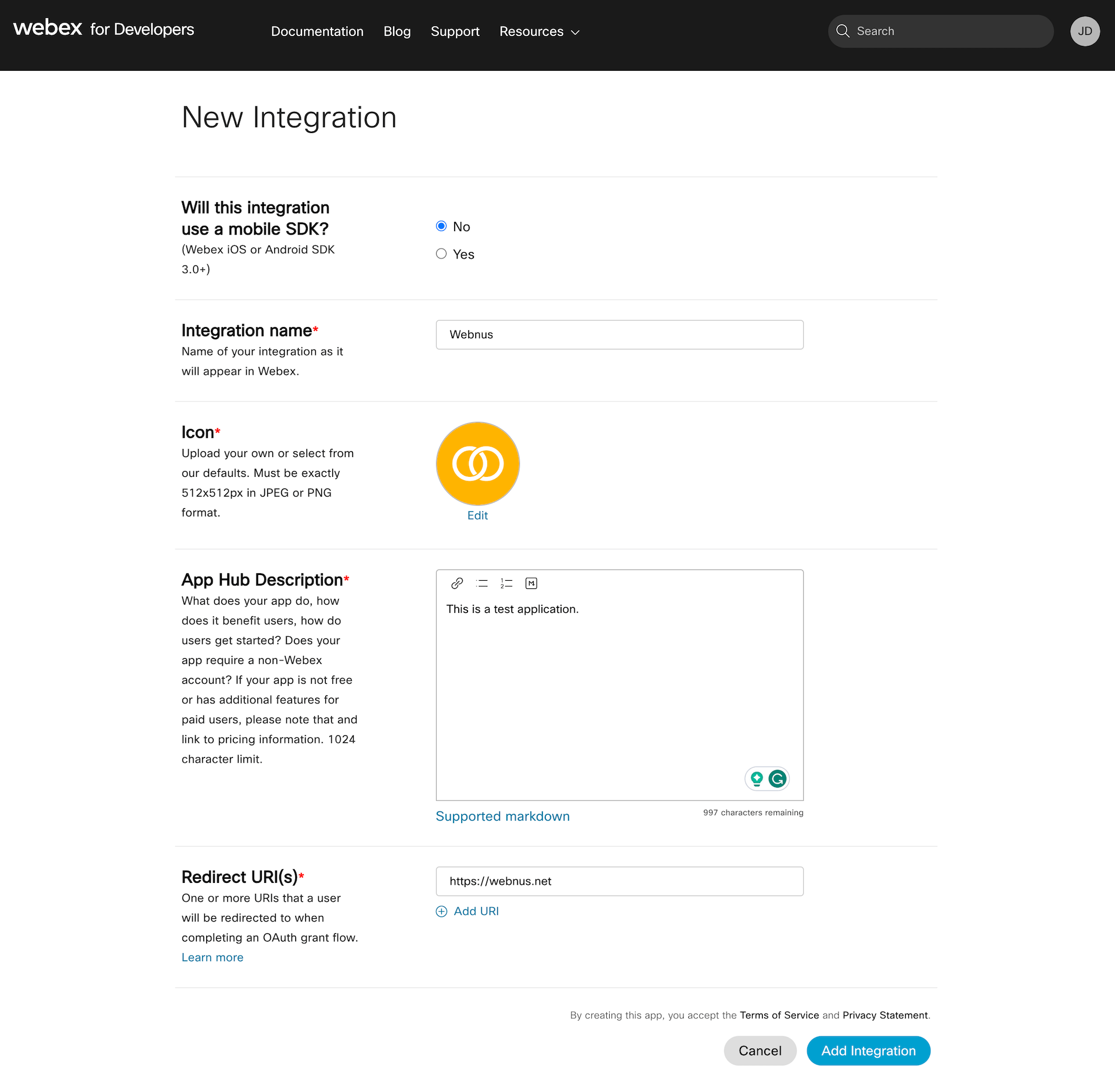
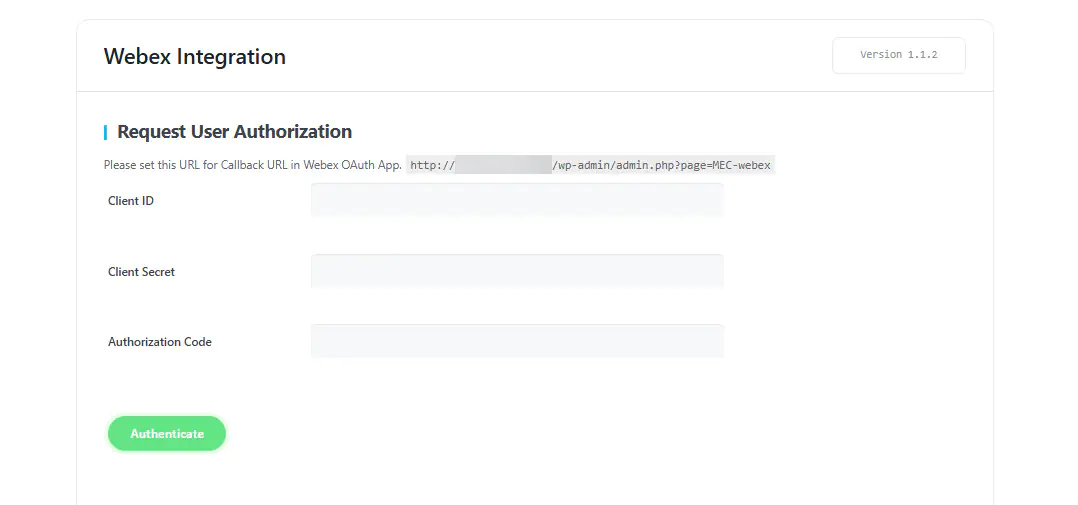
- A Webex account and a Webex integration with a Client ID, Client Secret, and Integration ID
- WordPress 5.0 or higher
What to know
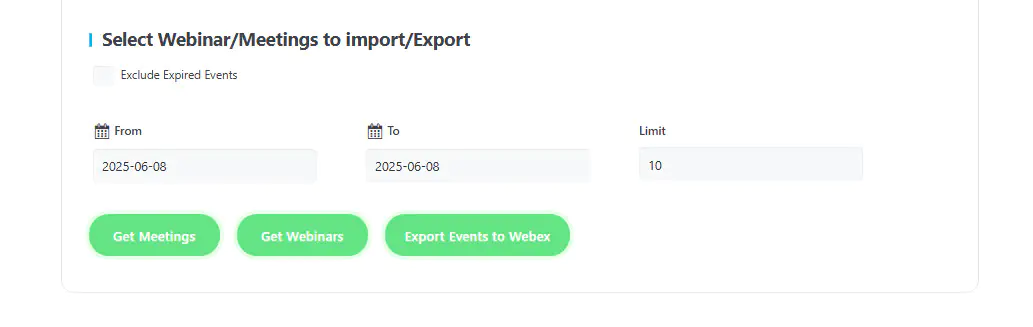
- You can import Webex meetings and webinars into MEC and export MEC events to Webex.
- Join details can go to attendees by email through MEC placeholders.
- You can connect only one Webex account at a time.
- The Redirect URI must match the Webex portal exactly, or authentication fails.
Pricing
$39 for 1 site, $99 for 5 sites, or $179 for 10 sites. Each license includes 1 year of updates and premium support.
Setup
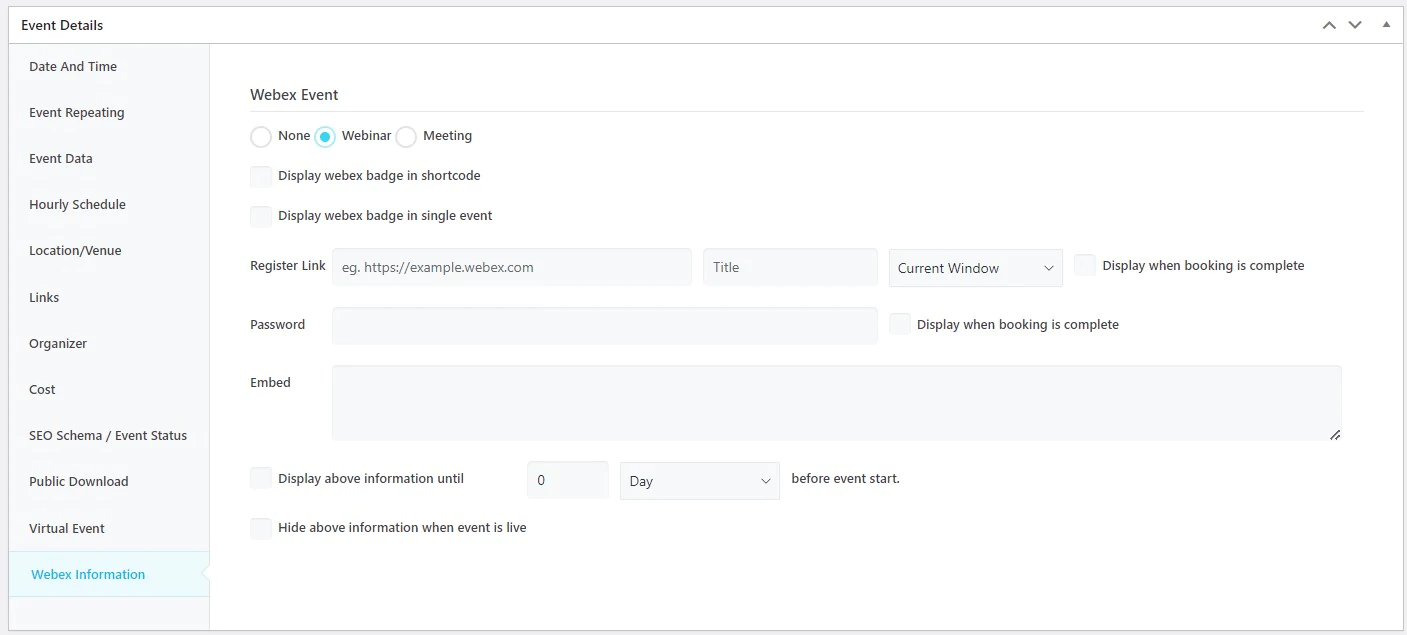
Enter your credentials and generate an access token in MEC > Webex Integration. Set event details in Edit Event > Event Details > Webex Information. For the full walkthrough, see the Webex Integration documentation.
Key Features
Import Webex Meetings and webinars
Better and more efficient management of meetings and webinars in MEC and Webex
Export Webex Meetings and webinars
Better and more efficient management of meetings and webinars in Webex and MEC
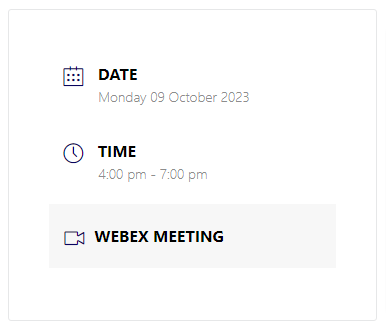
View in Single Event
Enable the specific badge in the sidebar of Webex events
View embedded
View an embedded code so users can use that to join the event
Limit view
Limit viewing the link and password for the events so that only users that have booked can view those
Email placeholders
Using specific placeholders you can embed the Webex event’s info in the emails that are sent to the users
Next / Previous Button
Displays next and previous events based on the geographic coordinates
View in shortcodes
Enable Webex event badge in all the shortcodes you have in user website
View password
Provide the password specific for your events to the attendees in the event
Private link
Provide a private link for your events to the attendees in the event
Screenshots
Changelog
Subscribe to our newsletter for the latest news & promotions.
