



Seat
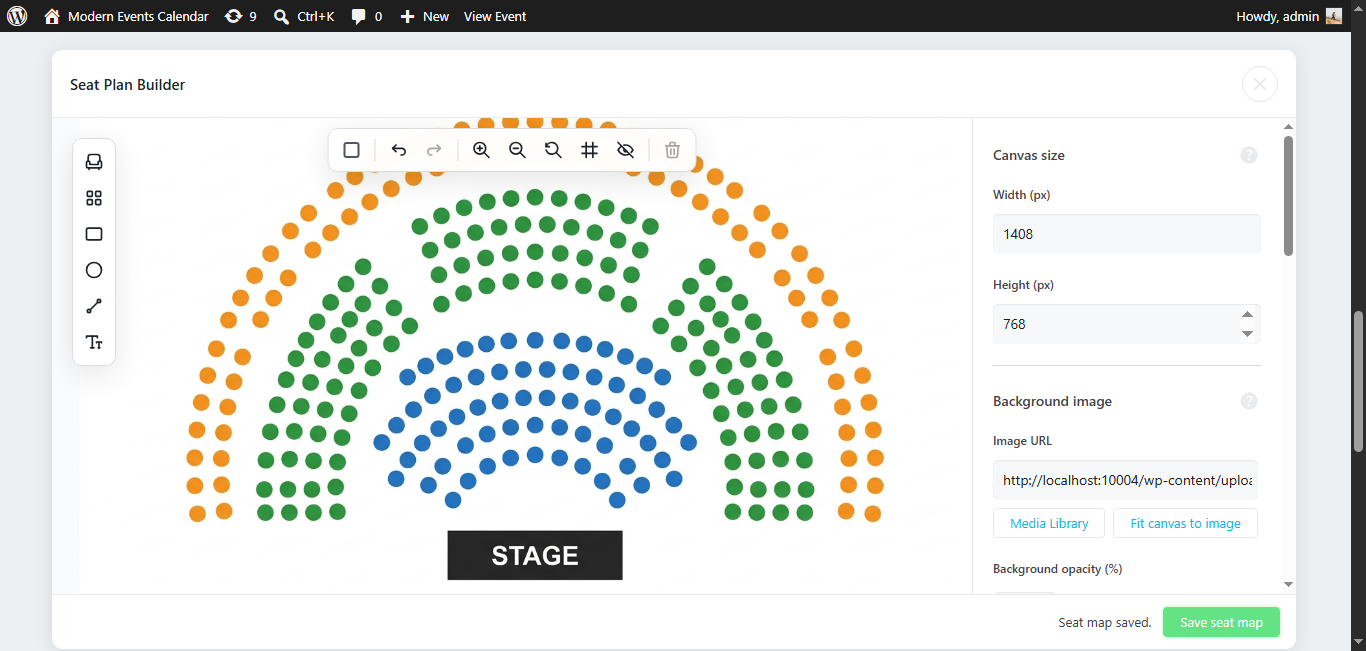
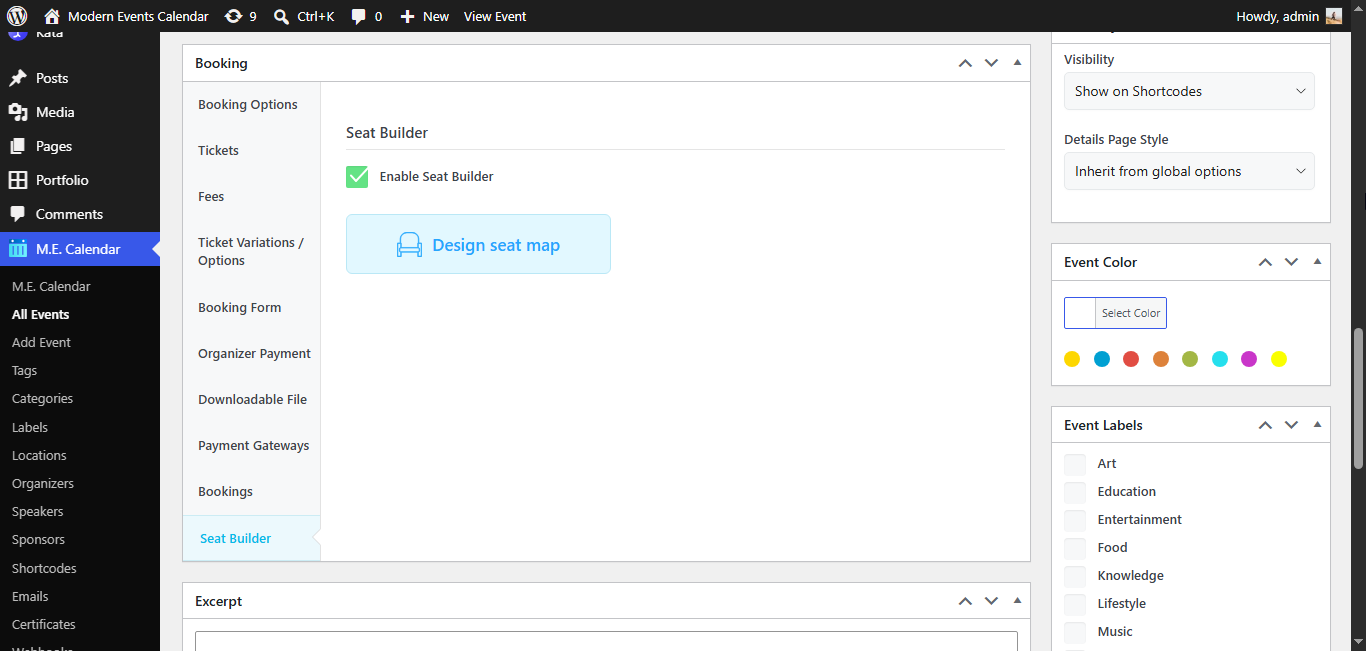
MEC Seat transforms venue seating with a modern canvas-based seat map designer. Create custom layouts with drag-and-drop, freely position seats anywhere on the canvas, and assign different ticket types and prices to individual seats or groups. Hide or disable specific seats directly on the map, mark handicap-accessible spots, and decorate your venue with tables, shapes, and labels. Each event can have its own unique seat layout, and attendees can interactively select their preferred seat during booking. The addon automatically tracks all booked seats per event occurrence and integrates seamlessly with MEC booking reports.
Key Features
Free-Form Canvas Designer
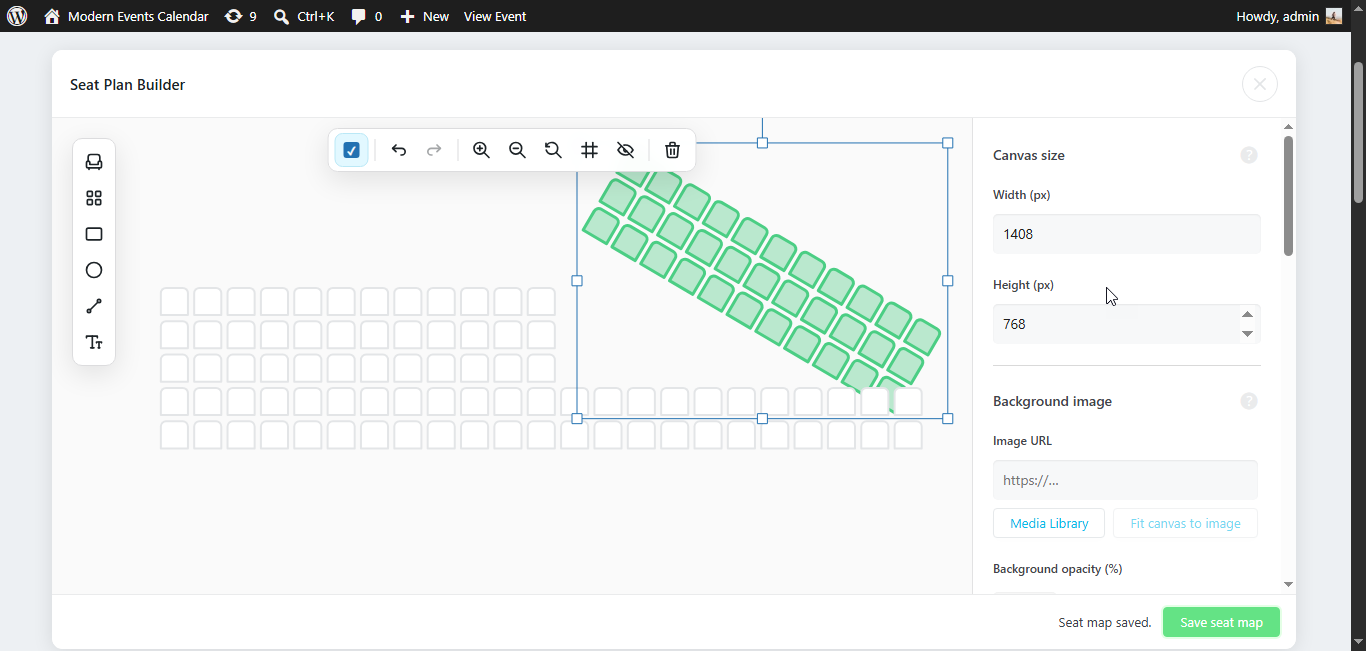
Drag and drop seats anywhere on a Konva-powered canvas. No more grid locking place, rotate, and scale each seat freely to match any venue layout.
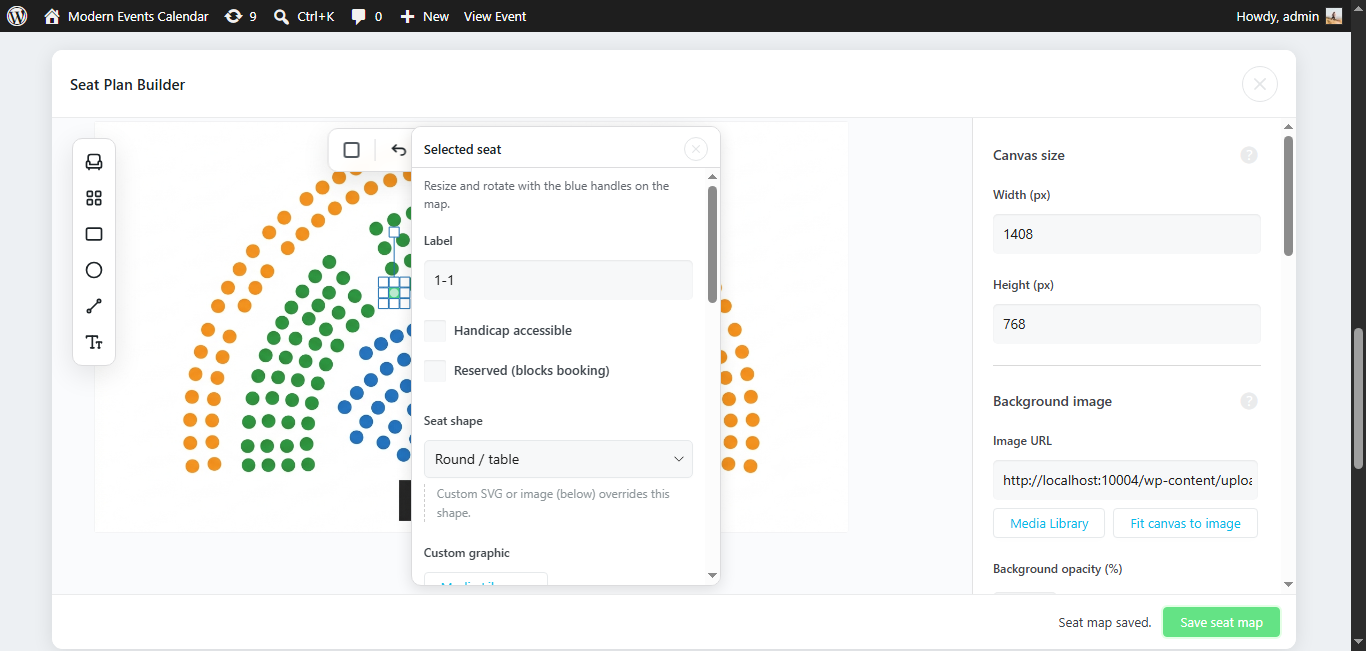
Flexible Seat Statuses & Accessibility
Every seat can be set as bookable, non-bookable, or hidden. Mark handicap-accessible seats directly on the map with a toggle.
Per-Seat & Per-Group Ticket Assignment
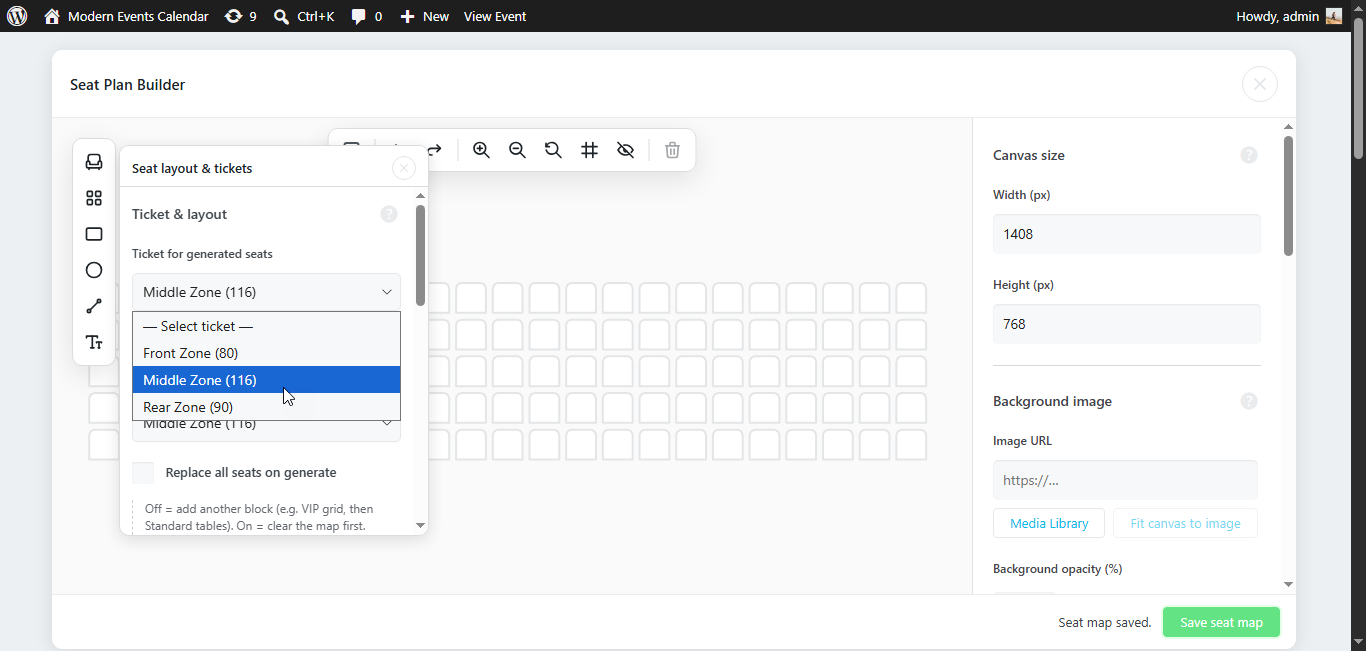
Assign different MEC ticket types and prices to individual seats, selected groups, or entire tables. Ticket color coding updates instantly on the canvas.
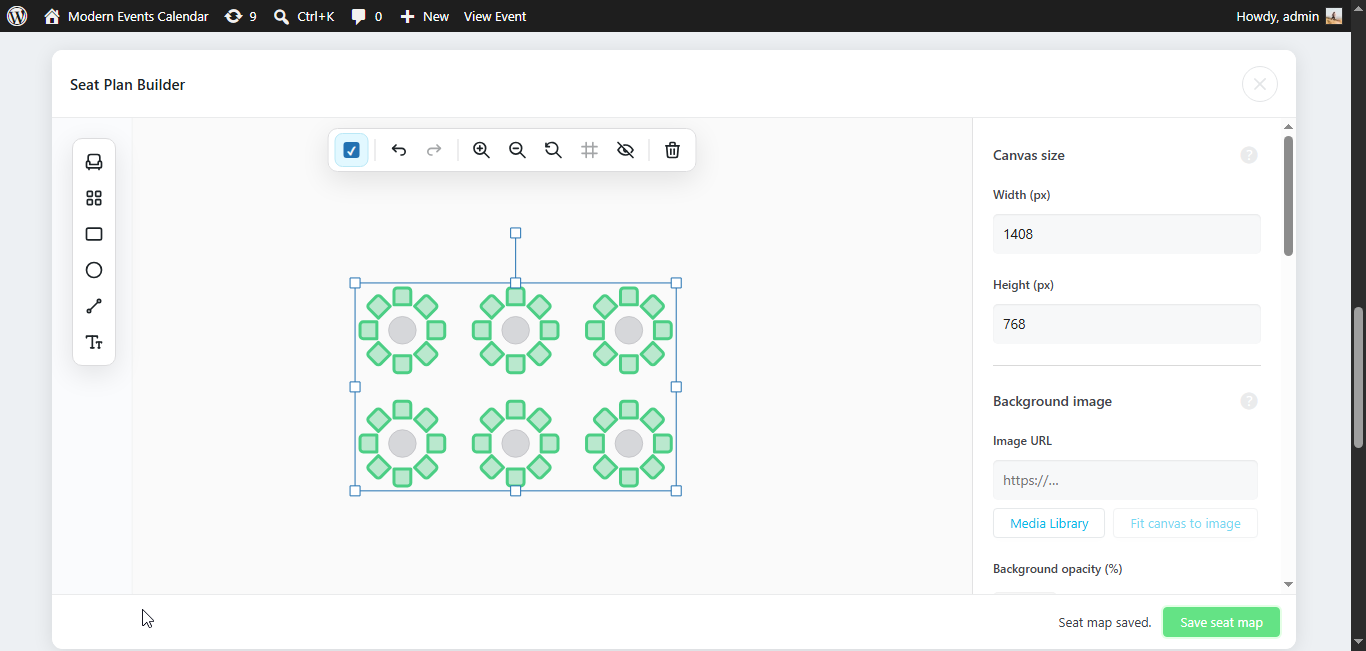
Table Layout Generator
Generate rectangular or round tables with adjustable chair counts. Tables are drawn on the canvas together with their surrounding seats, ready for ticket assignment.
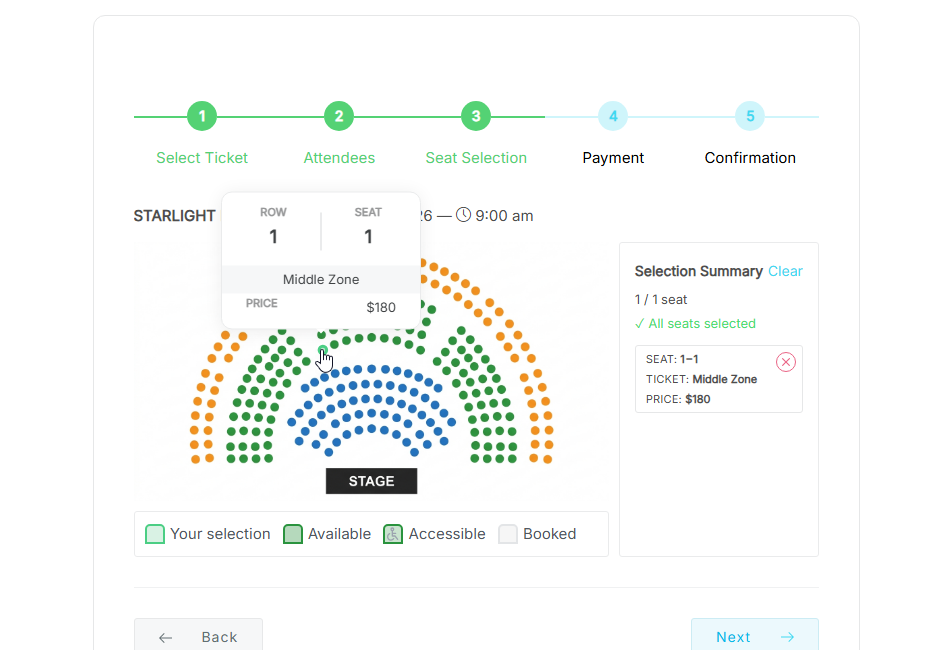
Interactive Front-End Seat Selection
Buyers see a live, interactive seat map during checkout. Hover tooltips display seat label, ticket type, and price. Seats are held temporarily during booking to prevent double purchase.
Decorate & Label the Venue
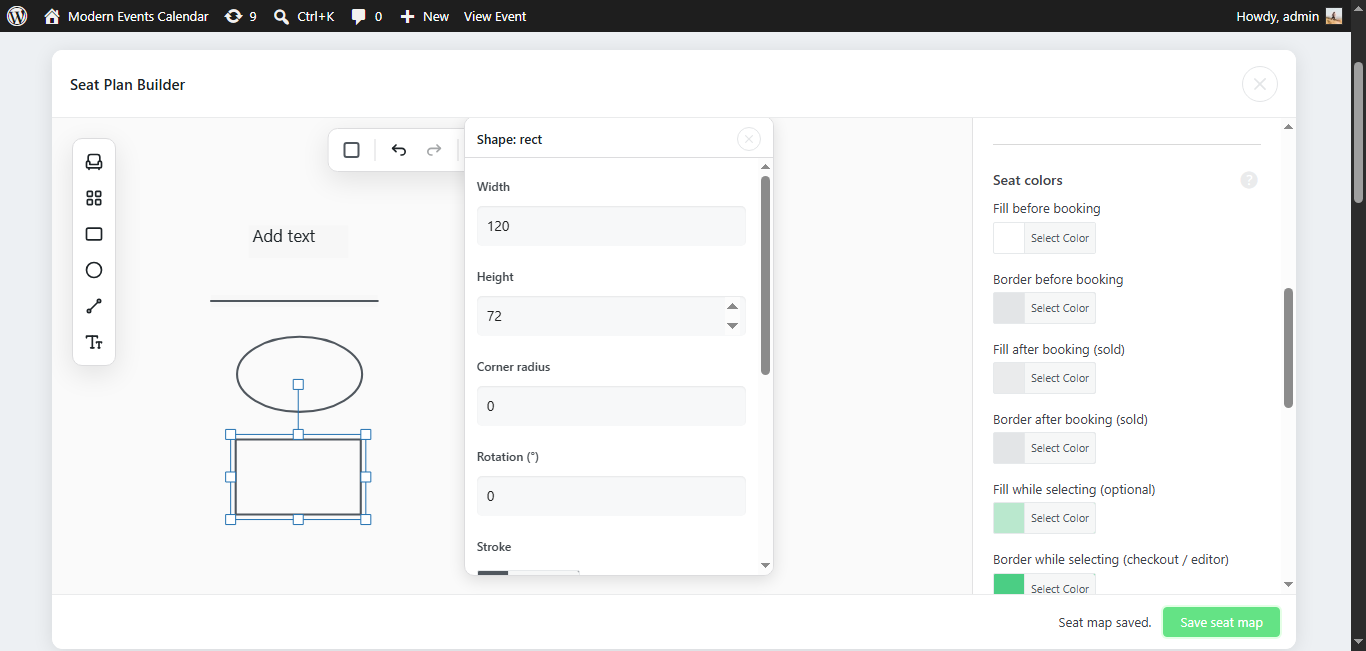
Add text labels, rectangles, ellipses, lines, and custom SVG seat shapes to the canvas. Build stage areas, VIP sections, exits, or any visual guide your venue needs.
Copy Maps Between Events
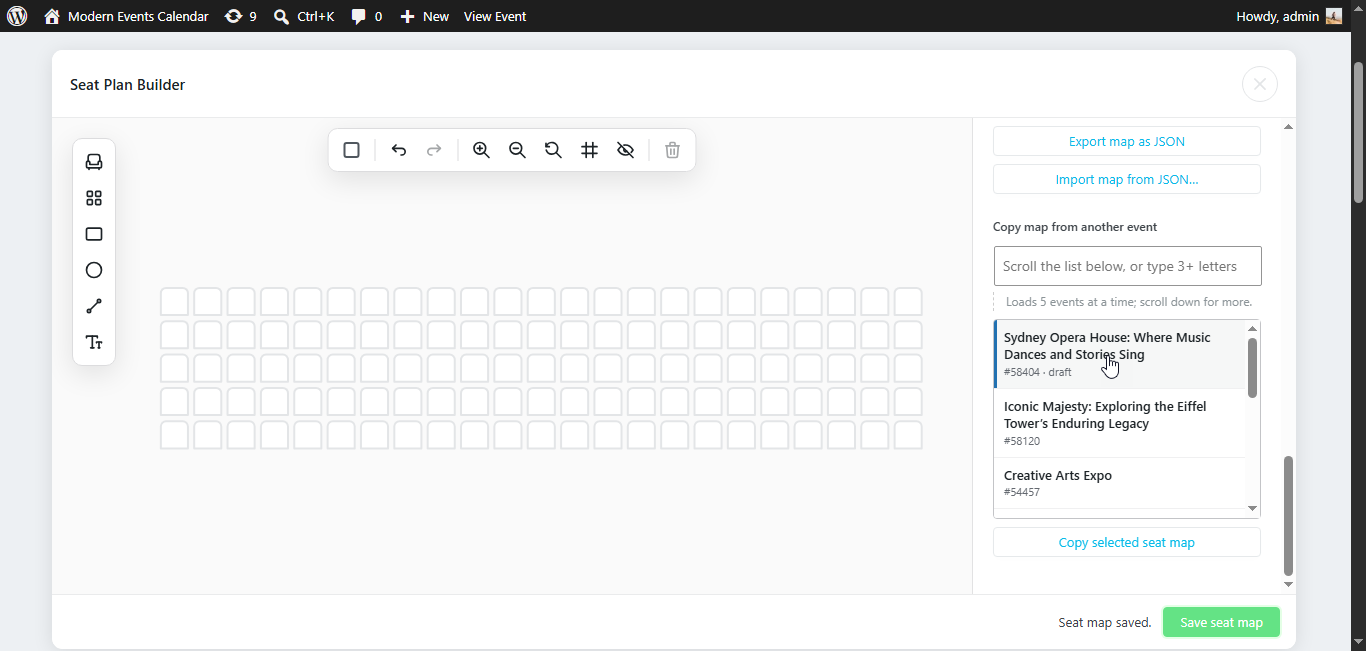
Search and pick any other MEC event, then copy its entire seat map including decorations and ticket assignments directly from the builder modal.
Legacy Migration From Classic Grid
Built-in one-click migration tool converts classic row/column layouts to the new canvas format, merges existing sold seats, and backs up previous maps before overwriting.
Screenshots
Changelog
Subscribe to our newsletter for the latest news & promotions.
